Start with the workflow
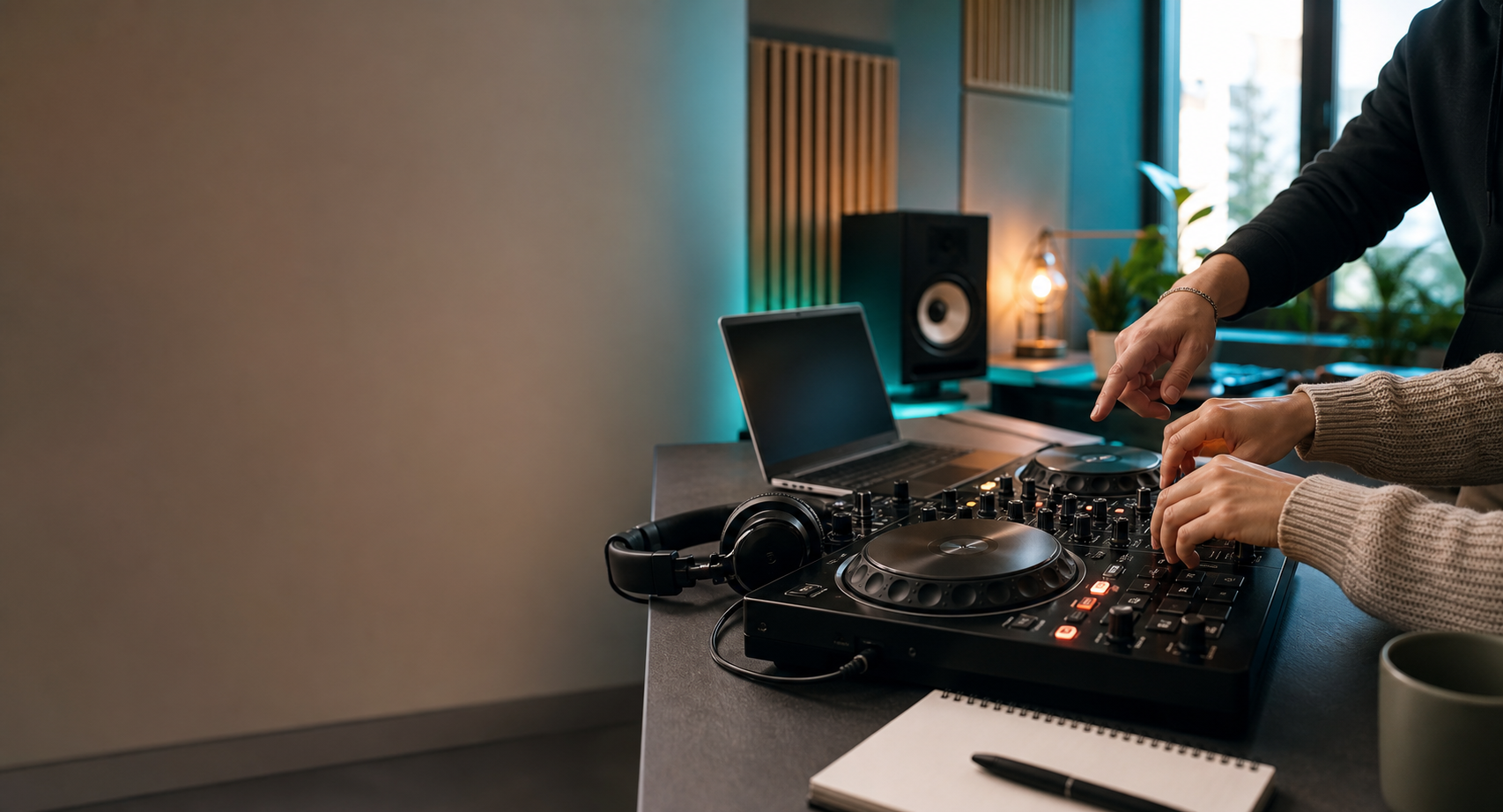
You need a way to load tracks, cue in headphones, adjust tempo, move faders, and record practice. You do not need every club feature on day one. Browser practice, Mixxx, or beginner DJ software can teach the core layout before you spend heavily.
Minimum useful setup
- A laptop or device that runs your chosen software.
- Headphones you can use for cueing.
- Music files or a legal practice source.
- Optional beginner controller with headphone cue output.
- A desk or table where the setup can stay consistent.
Common mistakes
- Buying gear because a video said it is "industry standard."
- Ignoring whether the controller works with your software.
- Buying speakers before you understand headphone cueing.
Put It Into Practice
Assignment
Write down your goal: hobby, teen creative activity, event DJ path, or production-adjacent skill. Then choose the simplest setup that supports the next 30 days, not the next five years.
Open Practice Tools