Original 2026 edition
A practical, modern roadmap for learning to DJ from zero: the gear, the software, the music habits, the mixing skills, the practice plan, and the real-world judgment that turns a beginner into someone people trust behind the decks.
Chapters
Start here
This guide is original to Icon DJ School. It is not a rewrite of any third-party DJ book. It covers the enduring fundamentals every beginner still needs, updated for the 2026 reality of streaming libraries, stems, smart mixing, club-standard workflows, social video, private events, and affordable controllers.
Chapter 1
What a DJ actually does in 2026
A DJ is not a person who presses play. A DJ is a musical guide. The job is to choose the right track for the moment, make the next track arrive in a way that feels intentional, and manage the energy of a room, recording, stream, party, class, or private event.
The tools have changed. Beginners can now practice without hardware, stream music inside DJ software, use AI-assisted recommendations, isolate vocals or drums with stems, and learn on controllers that fit in a backpack. But the reason DJing works has not changed: people respond to timing, taste, contrast, surprise, familiarity, and flow.
The beginner mindset
Your first goal is not to become flashy. Your first goal is to become useful: useful to the music, useful to the room, and useful to your own practice. A clean two-song mix beats a messy hour of tricks.
The five jobs of a DJ
- Select: Know what the moment needs and choose music with taste.
- Prepare: Organize tracks so you can find the right song quickly.
- Blend: Move between songs without confusing the rhythm or energy.
- Read: Watch the room, the mood, the age range, the event, and the response.
- Recover: Stay calm when a mix misses, a request is awkward, or a track clears the floor.
Modern DJing has many lanes. A club DJ builds tension and release for dancers. A wedding DJ protects a timeline and serves families. A school dance DJ has to be clean, energetic, and age-aware. A livestream DJ thinks about audio routing, copyright, and camera energy. A bedroom DJ learns taste and technique without the pressure of a crowd. All of these lanes share the same foundation.
Chapter 2
Your first DJ setup
The best beginner setup is the one that removes friction. You do not need a club booth. You need a way to hear two tracks, cue the next song in headphones, control tempo and volume, and practice often enough that your ears improve.
Level 0: laptop-only practice
Start here if you are curious and not ready to buy gear. Serato DJ Pro includes Practice Mode without hardware connected, and beginner-friendly software such as Serato DJ Lite, rekordbox, djay, VirtualDJ, and Mixxx can help you understand waveforms, grids, cue points, and library browsing. Laptop-only practice is not the same as playing on decks, but it can teach track structure and song selection.
Level 1: controller, headphones, and laptop
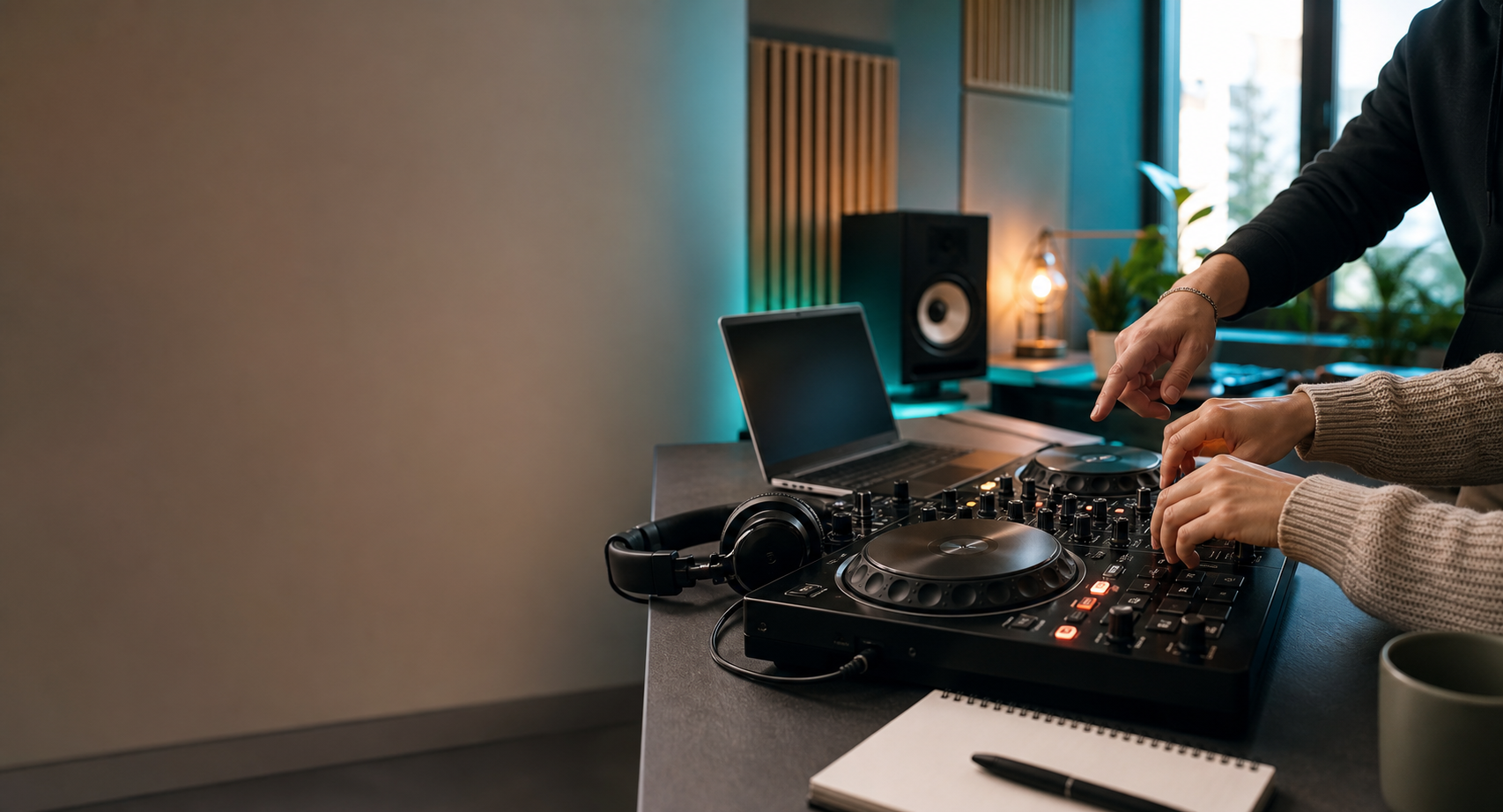
This is the sweet spot for most beginners. A two-channel controller gives you jog wheels, channel faders, EQ knobs, cue buttons, pads, pitch faders, and a headphone output. The Pioneer DJ DDJ-FLX4 is a common example because it is compact, has a professional-style layout, and works with multiple software options. Similar beginner controllers from Numark, Hercules, Reloop, Native Instruments, and others can also work well.
Level 2: speakers and a practice space
You can learn a lot in headphones, but eventually you need to hear your mix in the air. For home practice, small powered speakers are enough. Keep the volume reasonable, place the speakers near ear height if possible, and avoid buying giant speakers before you know your goals.
Level 3: event-ready gear
Event gear is a different conversation: speakers, stands, microphones, cables, backups, power, lighting, cases, insurance, and client communication. Do not confuse "I can practice at home" with "I am ready to charge for a wedding." The first is a learning setup. The second is a responsibility.
Buy first
A controller that unlocks your chosen software, closed-back headphones, a laptop that meets current software requirements, and a few legally obtained tracks you can study deeply.
Buy later
Big speakers, club media players, a second laptop, lighting, fog machines, extra effects units, and expensive subscriptions you do not yet use.
Chapter 3
How songs work
Good mixing starts before the first transition. You need to hear structure. Most dance, pop, hip-hop, and open-format tracks are built in repeating groups. The exact genre changes the feel, but the beginner language is simple: beats make bars, bars make phrases, and phrases create sections.
Count like this
Count "1, 2, 3, 4" with the beat. Four beats usually make one bar. Eight bars often make a phrase. Two phrases often make a 16-bar section. In many DJ-friendly tracks, something important changes every 8, 16, or 32 bars: a vocal enters, drums drop out, a chorus hits, a breakdown begins, or an outro starts.
Your first major breakthrough is hearing those change points without staring at the screen. The waveform can help, but your ears should lead. When a new phrase starts in Track A, that is often a clean moment to start Track B. When an outro begins, that may be a clean moment to finish the transition.
The sections beginners should label
- Intro: The opening section, often drums or a simplified groove.
- Verse: Lower energy storytelling, often vocal-led.
- Chorus or hook: The most recognizable part of the song.
- Breakdown: A reduced section where drums or bass may disappear.
- Drop: The energy return, especially in dance music.
- Outro: A DJ-friendly exit area, often drums or groove with less vocal clutter.
Practice drill: phrase spotting
Pick three tracks you love. Without mixing, listen and write down where the first big change happens. Then write down where the vocal starts, where the main hook arrives, and where the outro begins. Do this for ten songs and your mixes will improve before you touch an EQ knob.
Chapter 4
Beatmatching, sync, and timing
Beatmatching means making two tracks play at the same tempo and aligning their beats so the groove feels like one rhythm instead of two songs fighting each other. In 2026, you can use sync. You should still understand beatmatching.
Sync is a tool. It can help beginners focus on phrasing, EQ, and song selection. It can also hide weak listening if you never learn what it is doing. The mature approach is simple: learn manually enough to understand timing, use sync when it helps the set, and always check the grid before trusting automation.
The beginner beatmatch process
- Load Track A and let it play.
- Load Track B in headphones and find the first downbeat of a clean phrase.
- Match the BPM with the tempo fader or sync.
- Start Track B on the first beat of a phrase in Track A.
- If Track B drifts, nudge it slightly with the jog wheel or pitch bend.
- Listen for flamming, galloping, or a doubled kick. Those are clues the beats are not aligned.
Common beginner timing problems
If the mix sounds messy immediately, you probably started on the wrong beat. If it sounds good for a few bars and then drifts, the tempos are not matched or the grid is wrong. If both tracks are technically aligned but the mix still feels awkward, the phrases or energy levels may not fit.
What matters more than manual purity
Being anti-sync does not make someone a better DJ. Being able to hear when a mix is wrong does. A beginner should learn timing by ear, understand what sync is doing, and avoid building an identity around shortcuts or gatekeeping.
Chapter 5
EQ, gain, filters, and clean sound
A DJ mix is not only about starting the next track. It is about controlling the combined sound. Two songs at full volume can overload the mix, especially if both have strong kick drums, bass lines, vocals, or bright percussion.
Gain is not volume
Gain sets the input level for a track or channel. Volume faders control how much of that channel reaches the master output. Master volume controls the final output. Beginners often push all three too hard. The result is distortion, red meters, tired ears, and speakers that sound worse than they should.
EQ is a conversation between tracks
Most beginner controllers have low, mid, and high EQ knobs. The low controls bass and kick weight. The mids affect much of the body of the music, including vocals, chords, and snares. The highs shape hats, brightness, and air.
The classic beginner move is a bass swap: lower the bass on Track B while it enters, then gradually trade bass from Track A to Track B when the phrase changes. Do this gently. A good bass swap should feel like the floor changed lanes, not like someone unplugged the song.
Filters are powerful and easy to overuse
A high-pass filter removes low end and makes a track thinner. A low-pass filter removes highs and makes a track darker. Filters are great for transitions, but if every mix uses the same big filter sweep, the set starts sounding like a demo button.
Practice drill: EQ-only transition
Pick two tracks with similar BPM. Do not use effects, loops, stems, or hot cue tricks. Start Track B at a phrase, keep its low EQ reduced, blend it in, then swap the lows at the next phrase. Record it. Listen back for distortion, clashing vocals, and whether the bass change feels natural.
Chapter 6
Transitions that work
A transition is a decision about energy. Some transitions should be invisible. Some should create a moment. The mistake is treating every song change like a trick.
The clean blend
This is the foundation. You match tempo, start Track B on phrase, blend it under Track A, manage the EQ, and complete the handoff at a musical change point. It is not flashy, but it teaches timing, patience, and control.
The drop mix
A drop mix cuts from one recognizable moment into another. It works well in hip-hop, pop, edits, and open-format sets. It also fails loudly when the energy mismatch is too big or the timing is late. Use it when the next song is so right that the audience forgives the suddenness.
The echo out
Echo can help exit a track cleanly, especially when leaving a vocal or ending a song without an outro. The beginner trap is using echo to cover every weak choice. If the next song is wrong, echo does not save it.
The loop bridge
Looping a clean drum section can give you time to introduce another track. Start with simple 8-bar or 4-bar loops. Avoid shrinking loops just because the button exists. A loop should buy musical time, not announce panic.
The tempo bridge
Moving from 95 BPM to 124 BPM can be done with transition edits, halftime/double-time relationships, a breakdown, a spoken moment, a tempo automation tool, or a deliberate stop. Beginners should first learn to stay within a comfortable BPM range, then practice larger changes intentionally.
Beginner-safe transitions
Clean blend, bass swap, intro-to-outro mix, simple drop mix, echo out, and loop bridge.
Use later
Four-deck layering, aggressive stem mashups, complex live edits, fast scratch transitions, and risky tempo jumps.
Chapter 7
Hot cues, loops, beat jump, effects, and stems
Modern DJ software gives beginners more creative tools than ever. The trick is learning what each tool is for without letting it replace listening.
Hot cues
Hot cues mark useful moments: first beat, vocal start, chorus, drop, breakdown, outro, or emergency exit. A good cue system helps you move quickly. A messy cue system becomes digital clutter.
Loops and beat jump
Loops repeat a section. Beat jump moves through a track by a fixed musical amount, often 4, 8, 16, or 32 beats. These tools help you align phrases, extend intros, shorten long sections, and recover when a track starts too early or late.
Effects
Effects add color, motion, and drama. Start with echo, reverb, filter, and maybe a subtle delay. Learn one effect deeply before adding ten more. Your audience usually notices energy and song choice more than your effect chain.
Stems
Stems separate a track into parts such as vocal, drums, bass, and melody. Serato, Engine DJ, rekordbox workflows, djay, VirtualDJ, and other modern platforms have made stem-style mixing more accessible. Stems are useful for acapella moments, cleaner vocal exits, drum-only bridges, quick mashup ideas, and removing a conflicting element from a blend.
The warning is taste. Just because you can isolate a vocal does not mean it belongs over every instrumental. Treat stems like a knife in a kitchen: powerful, normal, and not something you wave around for attention.
Practice drill: stem restraint
Take one familiar song and make three versions of a transition: normal mix, vocal removed for four bars, and vocal-only tease into the next track. Record all three. Choose the one that sounds most musical, not the one that proves you found the stems button.
Chapter 8
Your music library is your real instrument
Gear gets attention, but the library wins gigs. A DJ with organized music can move quickly, solve problems, and adapt to the room. A DJ with a messy library spends the set scrolling.
Streaming vs owned files
Streaming is useful for exploration, requests, and practice. Many platforms now integrate streaming services, but each service has its own country availability, subscription rules, offline limits, recording limits, and feature restrictions. Owned files are still important for reliability, recording, editing, and playing in environments where internet access cannot be trusted.
A serious beginner should use both thoughtfully: streaming for discovery and flexibility, purchased or properly licensed files for core sets, recordings, edits, and event-critical music.
Crates that actually help
- Energy: warm-up, lift, peak, reset, closing.
- Function: dinner, cocktail, dance floor, clean school set, parent-friendly, late night.
- Genre: house, hip-hop, pop, Latin, throwbacks, edits, electronic, indie dance.
- BPM zones: 70s/140s, 80s, 90s, 100s, 120s, 130s.
- Confidence: sure shots, risky but cool, test later, never fail.
Clean, dirty, intro, and edit awareness
If you want to play school events, family events, brand events, or weddings, clean edits matter. Label them clearly. Do not trust memory under pressure. Keep explicit versions away from clean crates, and test edits before playing them in public.
Backups
Keep a backup of your music library, playlists, and settings. Export USBs before important practice sessions. If you use cloud library tools, understand what is stored locally, what requires internet, and what happens if a subscription changes.
Chapter 9
The practice system that makes beginners better
Random practice feels fun until it stops working. A beginner improves faster with short, repeated, specific drills. You do not need three-hour sessions. You need a loop you can repeat.
The 45-minute practice template
- 5 minutes: Listen to one track and count phrases.
- 10 minutes: Practice starting Track B on the right downbeat.
- 10 minutes: Repeat one transition until it feels controlled.
- 10 minutes: Record a short two- or three-song mix.
- 10 minutes: Listen back and write one fix for next time.
What to listen for in your recordings
- Did the second track start on phrase?
- Did the bass get too loud when both tracks played?
- Did vocals clash?
- Did the energy rise, fall, or stall?
- Did you recover calmly when something went wrong?
Record early, record often
Listening back is uncomfortable at first. That is why it works. The recording hears what your excitement misses.
Chapter 10
Playing for people
The moment people are listening, DJing becomes less about you. The set has a job. At a party, the job might be energy. At dinner, the job might be atmosphere. At a wedding, the job might be trust. At a school event, the job might be clean excitement. At a livestream, the job might be consistency and audio quality.
Read the room in layers
Watch who moves first, who leaves, who sings, who is waiting, who is uncomfortable, and who is not represented yet. Notice age range, volume tolerance, genre familiarity, and whether people want nostalgia, discovery, or a shared anthem.
Requests
Requests are information, not commands. A request can tell you what a group loves, what era matters, or what energy is missing. You do not have to play every request, but you should learn to respond without ego. "I will see where I can fit it" is often better than a lecture.
Microphone basics
Speak clearly, briefly, and only when needed. Hold the microphone close enough, avoid pointing it at speakers, and know how to turn it down quickly if feedback starts. Practice saying names, timelines, and simple announcements before the event.
Volume discipline
Loud is not always better. A good DJ knows when volume supports the moment and when it punishes the room. Protect ears, avoid red meters, and leave headroom.
Chapter 11
From hobby to first paid gigs
Getting paid is not only about mixing. People pay for reliability, preparation, communication, appropriate music, clean sound, and calm problem solving. Your first paid gig should not be the first time you learn how power, microphones, timelines, or client expectations work.
Before you charge
- You can play a clean 30-minute set without stopping.
- You can make a basic event playlist that fits a real audience.
- You understand setup time, sound check, and backup cables.
- You can use a microphone without feedback chaos.
- You know how to handle clean music requirements.
- You can say no to a gig that is beyond your current gear or judgment.
The safest first gigs
Start with low-pressure environments: a friend gathering, a small backyard party, a family event, a school club activity, or a short opening set where someone experienced can support you. Avoid making your first paid attempt a wedding, corporate gala, or large dance where failure has real consequences.
Music licensing and responsibility
Public performance rules depend on venue, country, platform, and event type. In the United States, venues and businesses often handle performance licenses through organizations such as BMI, ASCAP, SESAC, or GMR, but DJs should still understand that public use of music is not the same as private listening. Livestreaming has separate platform rules and copyright risks. When money, public events, or online distribution are involved, check the current rules for the specific venue and platform.
Chapter 12
A 30-day beginner DJ plan
This plan is built for a beginner practicing three or four times per week. Move slower if needed. The goal is not speed. The goal is audible progress.
Hear structure
Set up software, learn the library, load tracks, count phrases, mark intros and outros, and make a small crate of ten songs.
Control timing
Practice starting Track B on phrase, matching BPM, nudging drift, and making two-song blends without effects.
Shape the mix
Add EQ, bass swaps, filters, simple loops, and hot cues. Record short attempts and review them honestly.
Build a mini set
Create a 15-minute mix with a beginning, lift, peak, and landing. Record it, write notes, then do one better version.
What success looks like after 30 days
You understand the basic controls. You can count music. You can make a few clean transitions. You have a small library that is not chaos. You know what to practice next. You have recorded proof of progress. That is enough to keep going.
Want help making your first mix click?
Icon DJ School can turn this guide into a hands-on lesson plan: gear orientation, first transition, practice structure, library help, and event DJ fundamentals when you are ready.
Glossary
Beginner DJ terms
Current platform notes
Useful official resources
DJ software, streaming integrations, subscription features, and hardware compatibility change often. Check the current official pages before buying gear, choosing a platform, or relying on a feature for a gig.
- Serato DJ Pro for Practice Mode, supported hardware, stems, streaming notes, and recording limitations.
- Serato DJ Lite for a free beginner-friendly software entry point.
- rekordbox ver. 7 for current library, browsing, cloud, cue, and prep workflow direction.
- Engine DJ for standalone library prep, Engine OS, streaming, lighting, and stems workflows.
- Mixxx for free open-source desktop DJ software and a strong beginner path into real deck, mixer, and library workflow.
- Pioneer DJ DDJ-FLX4 for an example of a modern beginner controller with multi-software and multi-device support.
- BMI Music Licensing for public performance licensing context in the United States.