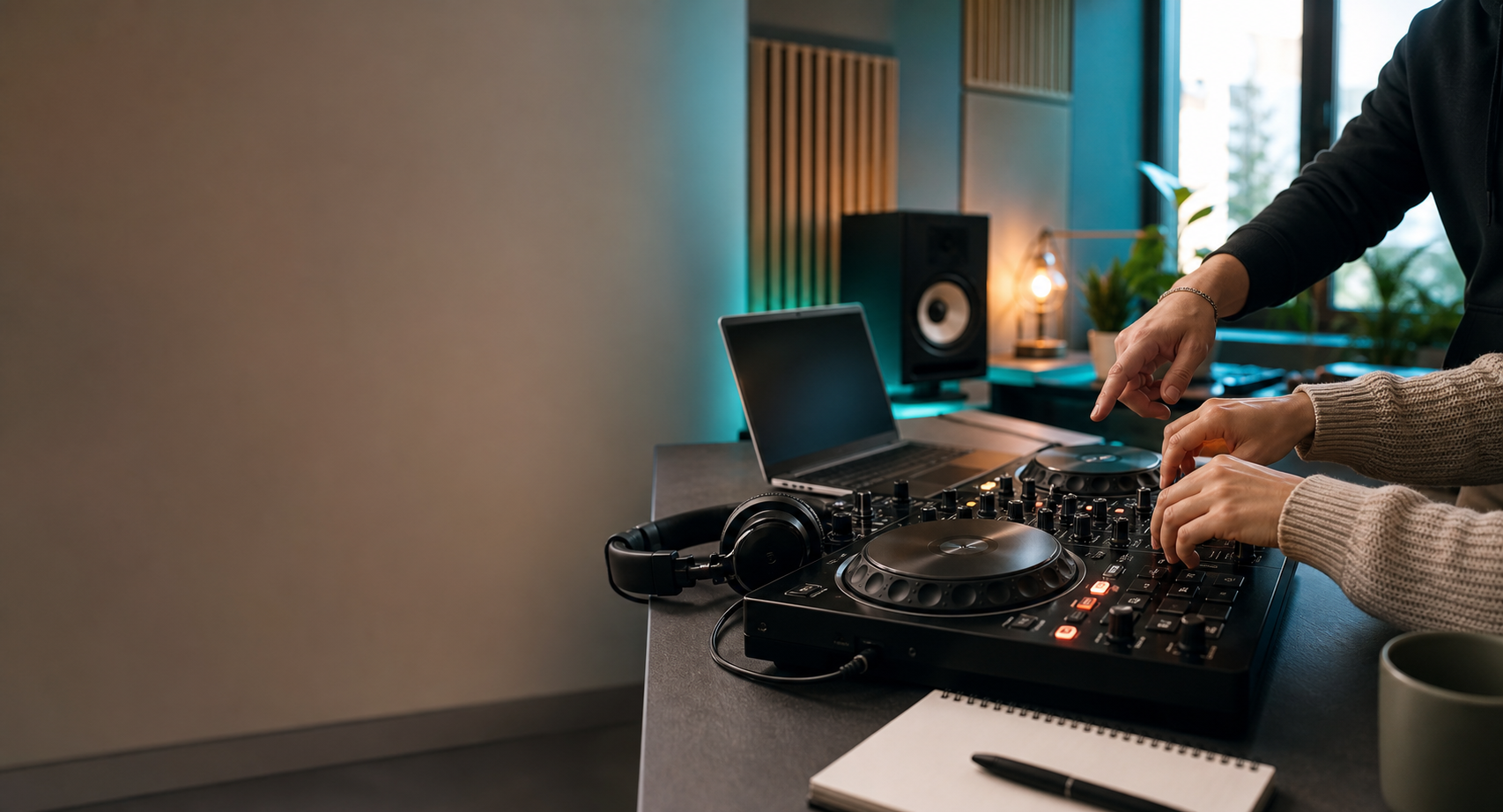
Open-source DJ software path
Use the Icon Practice Deck for the first feel of mixing, then graduate into Mixxx: a free, open-source desktop DJ app with decks, library prep, mixer controls, effects, controller support, and real DJ workflow.
Do not build the whole DJ app first. Teach the path.
A full browser clone of Serato is a serious software company project. Mixxx already gives students a real desktop workflow today, while Icon adds the beginner roadmap, setup help, and coaching.
Why Mixxx
A serious free DJ app students can actually grow into.
Mixxx is not a web toy. It is a desktop DJ application for Windows, macOS, and Linux, built by an open-source community and used for real library prep, mixing practice, controller workflows, and performance learning.
Two-deck DJ workflow
Students learn the familiar deck, mixer, cue, waveform, library, EQ, and fader mental model.
Controller support
Many beginner controllers can be mapped or used through the community controller system.
BPM, key, cues, loops
It supports the modern prep habits beginners need before stepping into paid software or club workflows.
No software subscription
The cost barrier drops, so students can spend money on lessons, music, headphones, or the right controller.
Choose the right lane
Different students need different software expectations.
The win is not downloading the biggest app. The win is choosing the smallest next step that gets you mixing without panic.
Start laptop-only
Use the Practice Deck first, then Mixxx with keyboard and mouse. Learn loading, cueing, tempo, phrase counting, and library basics before buying anything.
Check mapping before frustration
Confirm your controller and audio outputs are supported, then focus on cue monitoring, play/cue buttons, tempo faders, EQ, and recording one clean blend.
Practice reliability early
Use Mixxx to build clean crates, test file quality, avoid red meters, and understand what you would need before playing for a real room.
Keep the first setup safe and calm
Start with local files, headphones, moderate volume, short practice blocks, and a visible checklist so progress feels structured instead of chaotic.
Icon setup path
From browser warmup to real DJ software in one afternoon.
The goal is not to throw a beginner into a giant app and hope they figure it out. The goal is to make the first software session calm, focused, and useful.
Feel the controls
Use the Practice Deck to understand play, cue, tempo, gain, filter, and crossfader movement before opening a full app.
Install Mixxx from the official site
Download the current stable version directly from Mixxx, not from random installer mirrors or ad-heavy download sites.
Build a 10-track crate
Pick songs you legally own or have permission to use, analyze them, set basic cues, and learn what a small library feels like.
Connect headphones and controller
Set up cue monitoring, audio outputs, and a beginner controller only after the software basics make sense.
Record one beginner blend
Make a two-song transition, listen back, write down the failure point, and bring that question to a lesson.
First 60 minutes
The Icon Mixxx starter kit.
Keep the first hour narrow. If a student can install Mixxx, load ten songs, hear cue audio, set a few markers, and record one rough transition, the software has done its job.
Install and configure
- Download Mixxx from the official website.
- Use local music files you own or have permission to practice with.
- Import ten songs into one beginner crate.
- Analyze tracks for BPM, key, and waveform overview.
- Set master and headphone cue outputs before serious practice.
Practice and record
- Mark one obvious intro or first downbeat cue on each track.
- Practice matching two tracks within a few percent of tempo.
- Blend for 16 or 32 bars without touching effects first.
- Record a two-song practice pass, even if it is messy.
- Write the one thing that failed: timing, levels, EQ, or track choice.
Important boundaries
What we should not host directly.
Icon DJ School should link to Mixxx and teach the setup path. It should not mirror installers, bundle modified builds, or promise controller compatibility without checking the current Mixxx documentation.
- Linking to the official Mixxx download page keeps updates, security, and platform versions in the right place.
- Hosting large installer files would add bandwidth, maintenance, and licensing responsibility.
- Controller support should always be checked against the current Mixxx hardware documentation before a student buys gear.
- A true in-browser Serato-style app would require a full product build, likely with WebAssembly, deep audio engineering, controller/MIDI support, file analysis, and ongoing QA.
Icon DJ School is not affiliated with Mixxx. Mixxx is referenced as an open-source learning option for students.
Best next step
Install it, load ten songs, then get coached before bad habits set in.
The software is free. The judgment is what saves time. Icon DJ School can help you set up Mixxx, choose the right controller path, and turn a messy first transition into a repeatable practice routine.